 Login
Login

YouTube Transcript Extractor for Content Research
Study a public video before you write your own take. Use the YouTube transcript extractor, keep the useful spoken lines, and turn them into notes you can rewrite and prompt.
Free online transcript extractor for YouTube, TikTok, video to text, audio to text, documents, PDFs, and images. Turn a supported link or file into one editable script, clean it, then open it in CuePrompter for recording, teaching, or presenting. After you sign in, the script is saved to My Scripts and stays in sync across web, iPhone, and Android.
Loading scripts...
Add a source, run the script extractor, edit the script, then read it. Use an online transcript extractor for a public URL, or upload a file for video to text.
Paste a YouTube or TikTok URL for link to text, or upload a file. Video supports MP4, MOV, or WebM. Audio supports MP3, WAV, M4A, or AAC. Documents and images are also supported.
Sign in, then extract. The script extractor returns one title and editable content. Clean filler, shorten lines, and keep only what you want to use—whether it came from a YouTube or TikTok transcript extractor, video to text, audio, a document, or an image.
Click Use in Teleprompter. The same script opens in CuePrompter so you can extract once, edit once, and speak naturally with your eyes on camera.
Use this script extractor when you need a script you will use again. Research with a YouTube transcript extractor, recut a short, or lift useful lines from a file.
Study a public video before you write your own take. Use the YouTube transcript extractor, keep the useful spoken lines, and turn them into notes you can rewrite and prompt.
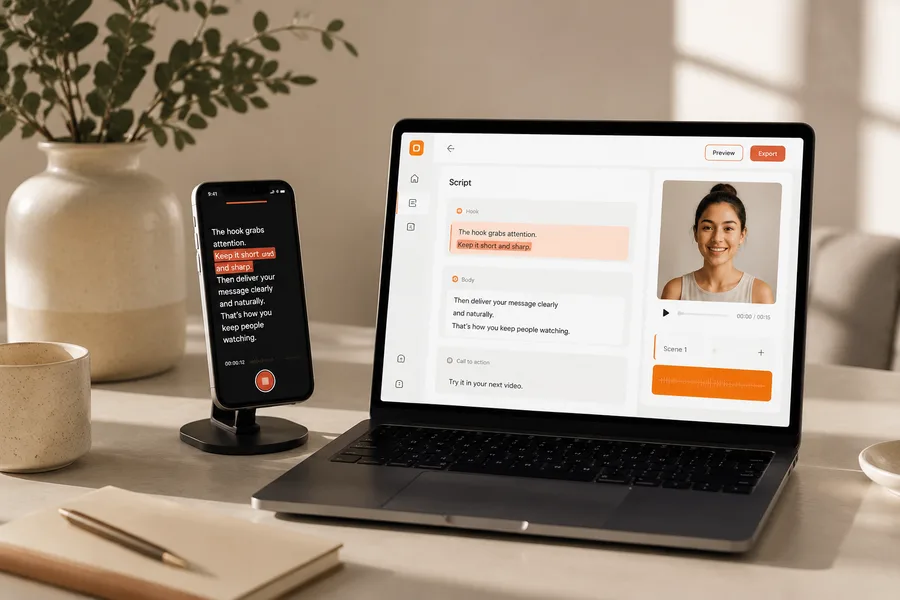
Pull the spoken beat from a short you want to adapt. Use the TikTok transcript extractor, cut it to a hook and key lines, then prompt the new take. Keep the draft in one editable script.
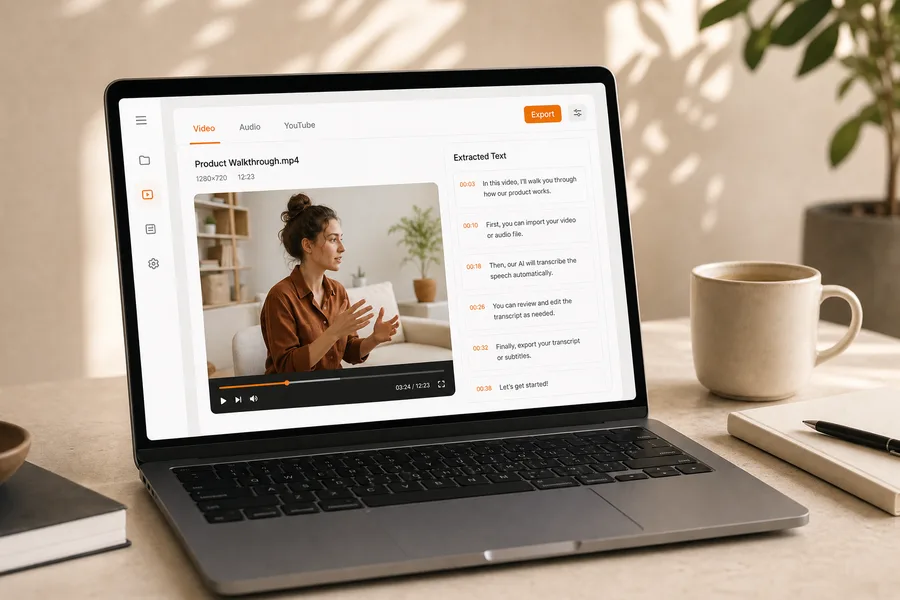
Upload MP4, MOV, or WebM files. This video to text converter turns spoken content into editable lines. Use the script extractor when you have a local video and need a reusable speaking draft.
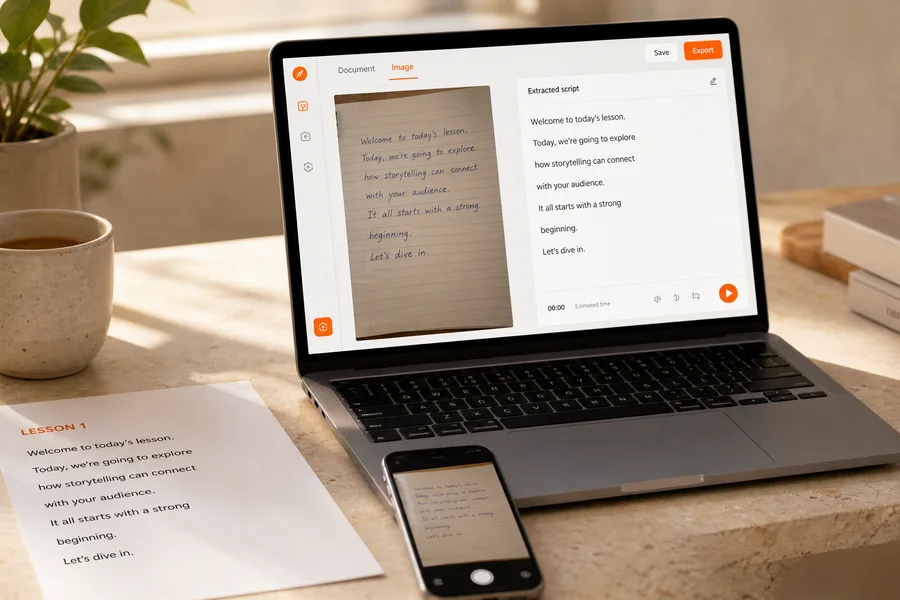
Upload a PDF, DOCX, or notes photo. Document to text and image to text results land in the same editor. The script extractor turns source pages into lines you can read on camera.
Straight answers about supported sources, limits, login, extraction, data safety, and what you can do with the result.
Run the script extractor on a file or supported link. Clean the script once, then open CuePrompter and keep your eyes on the lens.