 Login
Login
Smart formatting for easy reading
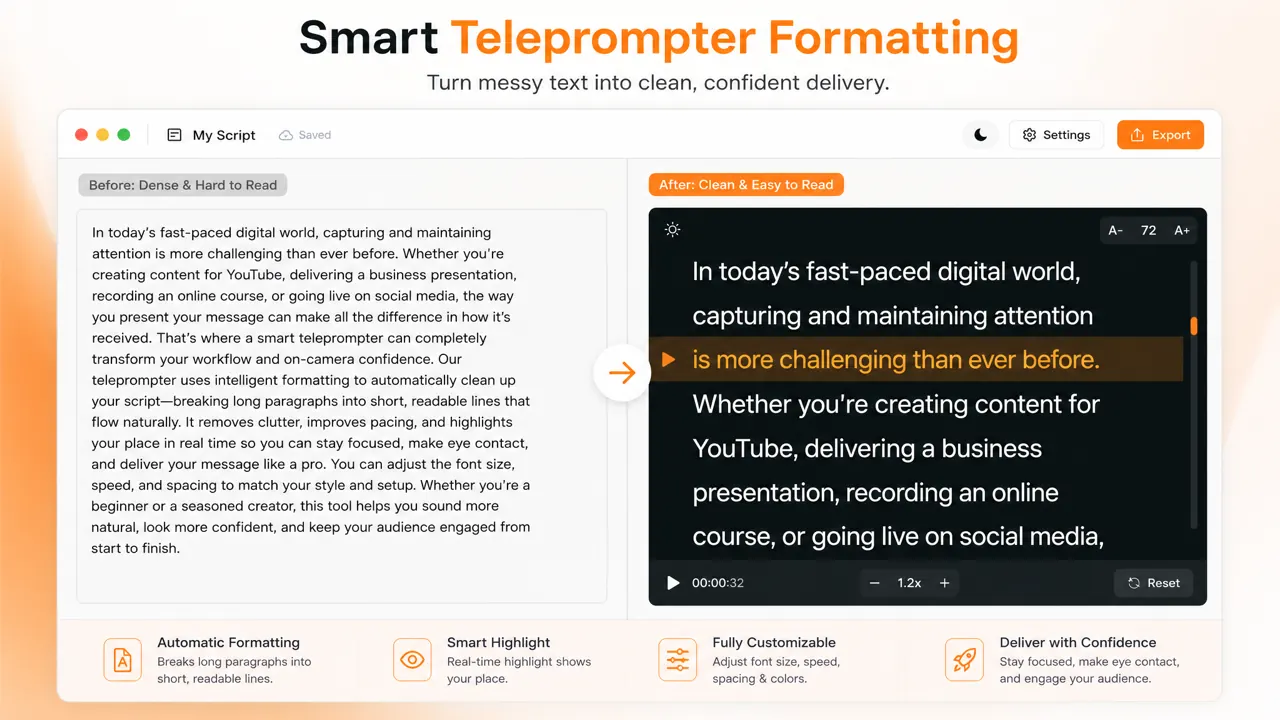
Dense copy becomes a clear script reader with comfortable line breaks and a readable text scroller layout.
Paste your script, scroll smoothly, and record in one browser tab—no install, no watermark. Free teleprompter online for laptop, PC, Zoom, and short videos.
Teleprompter script samples
Now on Google Play
Cueprompter is on Google Play
Get the Android app for filming and prompting on the go. iPhone is coming soon. Web still works in your browser today.
See how our teleprompter online works—no downloads required. This free online autocue helps you go from script to delivery in four simple steps.
Copy text into CuePrompter, paste it from your clipboard, or start with a teleprompter script sample before adding your own script.
Change speed, font size, colors, the highlighted reading area, and mirror mode for a clear teleprompter setup on laptop or desktop.
Start the teleprompter, follow the highlighted reading area, and pause or reset whenever you need to adjust your delivery.
Need video? Switch to our online teleprompter with camera to record teleprompter for video takes in the browser—still free, still private.
Discover how our teleprompter online is used by thousands daily. This versatile teleprompter software enhances communication for professionals in various fields, ensuring a polished performance every time.

Use CuePrompter for YouTube intros, tutorials, product explainers, and talking-head videos. Keep your video script visible while you focus on natural delivery.
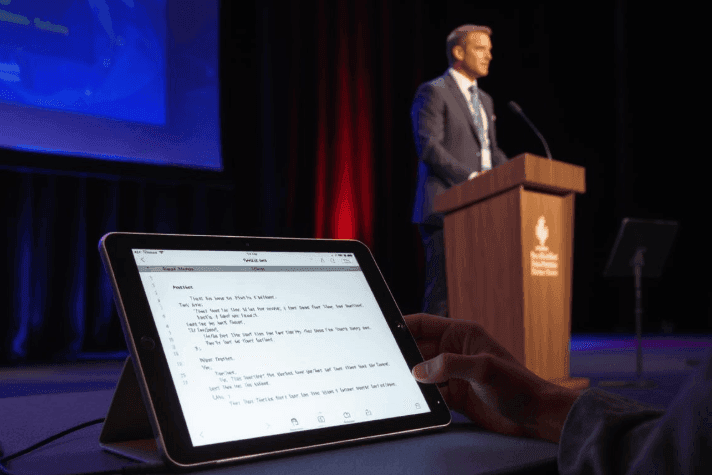
Deliver powerful speeches with our cueprompter. This tool is the perfect teleprompter for public speaking, helping you maintain crucial eye contact and confidence. Trusted by speakers at major industry conferences for flawless delivery.
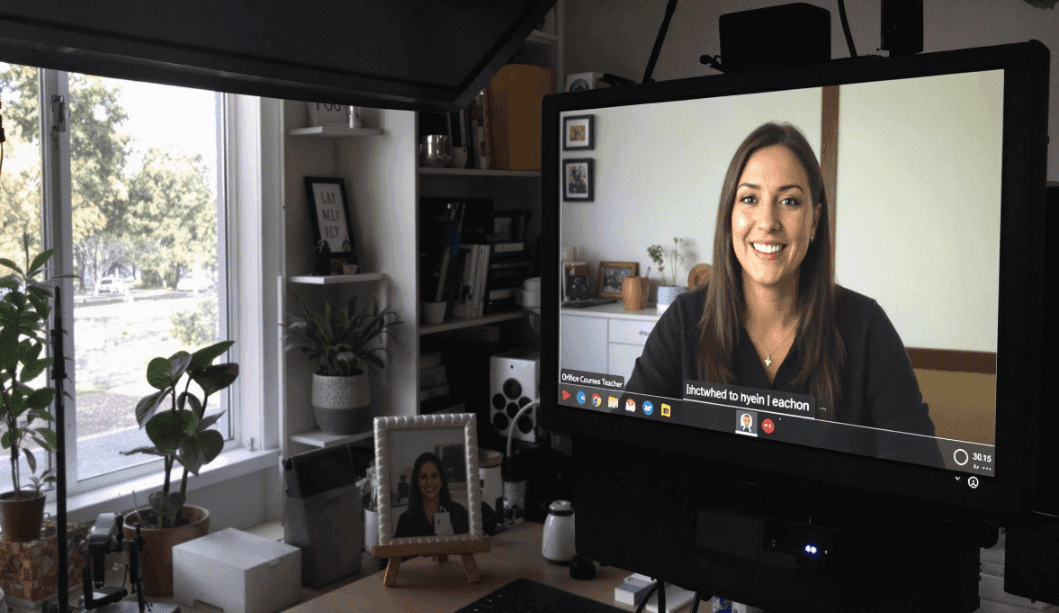
Educators can follow lesson scripts and course notes while recording clear, structured lectures without memorizing every detail.
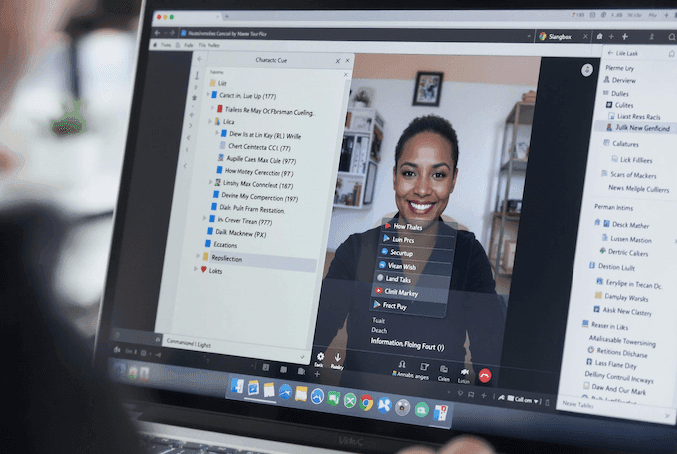
Prepare business presentations and video announcements with your key talking points visible in the same browser workflow as camera recording.
Keep your talking points visible beside Zoom, Teams, or Meet for remote interviews, webinars, sales demos, and client calls without sounding scripted.
Our free teleprompter offers unmatched simplicity and efficiency. It's the ideal autocue teleprompter for anyone needing a reliable script-reading tool without complex setups or privacy concerns.
Your homepage script stays in the browser with localStorage until you choose to save it to a signed-in account. No install, no extra hardware, and no cloud upload for core prompting.
Open the teleprompter, then record a talking-head take without switching tools. Core recording stays free; you can convert the file locally afterward.
CuePrompter is a browser teleprompter: open the site and start. Core prompting needs no install and no subscription. Membership unlocks AI tools, extraction, and cloud scripts.
Yes. Core prompting, browser recording, and local video conversion are free—no install and no account required. Special tools such as AI Script Generator, Script Extractor, TikTok Caption Generator, and cloud script sync need a CuePrompter membership.
Free: paste a script, scroll the teleprompter, record in the browser, and convert files locally. Membership: AI script generation, script extraction from links or files, cloud scripts across web and app, and other special tools. Voice Sync is available in the Android app on Google Play; iPhone is coming soon.
A teleprompter is a tool that displays your script in a scrolling window so you can read while looking toward the camera. CuePrompter is a free online teleprompter—also called an autocue—that runs in your browser, so you can present naturally without memorizing every line.
CuePrompter is for talking-head and short-form video creators, YouTubers, podcasters, product presenters, teachers recording lessons, speakers, livestream hosts, and sales teams. It also helps anyone who needs to stay clear and on message in remote meetings or video interviews. Use it whenever you want to read a script naturally while keeping your eyes close to the camera.
You paste your script, adjust speed and font size, then let the text scroll as you speak. Our free teleprompter online works like professional autocue software: keep your eyes near the lens, stay on message, and optionally record with an online teleprompter with camera in the same workflow.
Absolutely. Our teleprompter online is a web-based application, meaning it works on any device with a browser, including iPhones, iPads, and Android devices. No app download is needed, just open our website and start.
Yes. CuePrompter works as a free teleprompter app for Mac through any modern browser—Safari, Chrome, or Firefox. No App Store download is required; open the site and start reading your script.
Yes. Use CuePrompter as a teleprompter app for Windows in Edge, Chrome, or another browser. It is free teleprompter software without installation—ideal if you want a teleprompter for PC or laptop right away.
Absolutely. Open CuePrompter beside Zoom as your zoom teleprompter or virtual meeting prompter. Keep your notes scrolling while you look at the camera, so remote meetings and pitches stay clear and confident.
Yes for core prompting. Open the site and start reading or recording in seconds—no desktop installer and no signup wall. AI generation, script extraction, and cloud sync are membership features after you sign in.
CuePrompter is a browser teleprompter you can start without installing software. Core reading and recording stay free. Special AI and extraction tools require a membership after you sign in.
A great teleprompter for YouTube should be easy to use, reliable, and allow for natural-sounding delivery. Our cueprompter offers adjustable speed and a clear display, helping you connect with your audience without sounding robotic.
Autocue is the usual UK and Commonwealth name for a teleprompter. CuePrompter is a free online autocue: paste your script, scroll in the browser, and read while looking at the camera—no extra hardware required.
No. Core prompting and browser recording have no watermark and no time cap. You do not need an account to start. Membership is only for AI scripts, extraction, and cloud sync.
Yes. CuePrompter is a script reader and script scroller as well as a teleprompter: your text moves on screen at a pace you set so you can read while recording, presenting, or doing voiceover.
Open CuePrompter in Chrome, Edge, or Safari, go full screen, and place the laptop or PC screen next to your camera so your eyes stay close to the lens. It works as a teleprompter for laptop and a teleprompter for PC without installing software.
Yes. Open Record Video to use an online teleprompter with camera: the script overlays the webcam so you can read and record at the same time. Core recording stays free, with no extra software.
A teleprompter (or autocue) shows your script while you speak, so you can look toward the camera instead of down at notes. CuePrompter is also a free online script reader: fast, private, and free for core prompting.
Paste your text, set a comfortable scroll speed, and read as the lines move. That is how a teleprompter works for creators, teachers, and speakers. With CuePrompter you get a free online teleprompter plus optional camera recording in one simple flow.
Try the free online teleprompter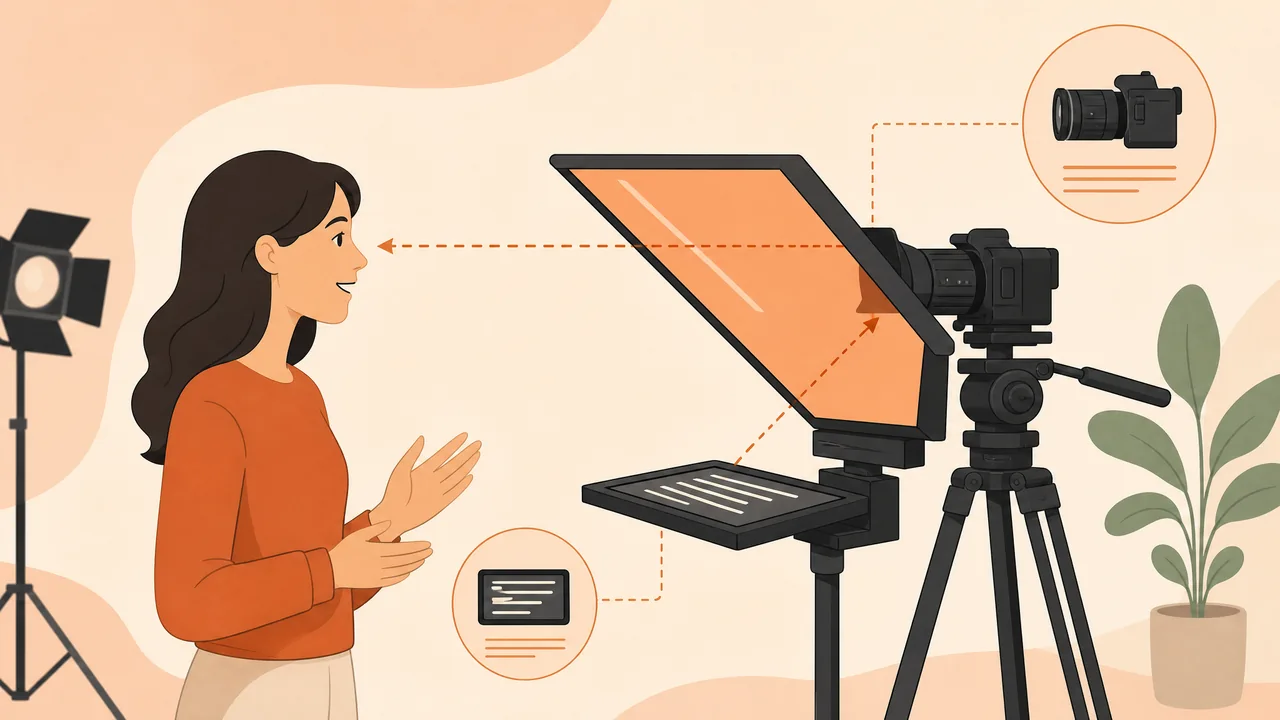
CuePrompter runs in your browser on laptop, desktop, tablet, or phone—no install required. Android is on Google Play; the iPhone app is coming soon.
Open Safari or Chrome on macOS and start prompting instantly—no Mac App Store install.
Run a teleprompter for PC in Edge or Chrome. Ideal free teleprompter software for Windows creators.
Keep a teleprompter for laptop beside your camera for talking-head videos and lessons.
Use our web-based free teleprompter app on iPhone or Android whenever you need an on-the-go autocue.
"I used to tape notes beside the webcam and my eyes kept darting off-lens. I paste the lesson script, set a slower scroll, and get a usable take in two or three passes instead of ten."

Maya Chen
YouTube educator, Austin
"I record 20-minute course modules. Desktop teleprompter apps wanted a license before I could even test the scroll. Here I open the tab, bump the font, and keep teaching without installing anything."

Daniel Okoye
Course instructor, Lagos
"I keep CuePrompter beside Zoom for client demos. The window cannot be dragged like a desktop overlay yet, but having the talking points scroll next to the camera is still cleaner than reading a Google Doc."

Elena Varga
Sales lead, Budapest
Read scripts clearly, adjust your view, and record when you are ready, all from your browser.
Open CuePrompter and start reading in your browser right away. Sign in only when you want membership tools or cloud scripts.
Start with your own script or choose a ready-to-read sample.
Set a comfortable pace for natural delivery.
Make long scripts easier to read on your screen.
Match the display to your lighting and reading preference.
Keep your attention on the current reading line.
Reverse text for compatible teleprompter setups.
Adapt the display for different reflective rigs.
Record a video with your script available in the same workflow.
Use CuePrompter on laptop, desktop, tablet, or mobile browser.
Choose script samples in the language you want to practice.
Build scripts faster, keep reading natural, and stay ready for video, Zoom, or live delivery.
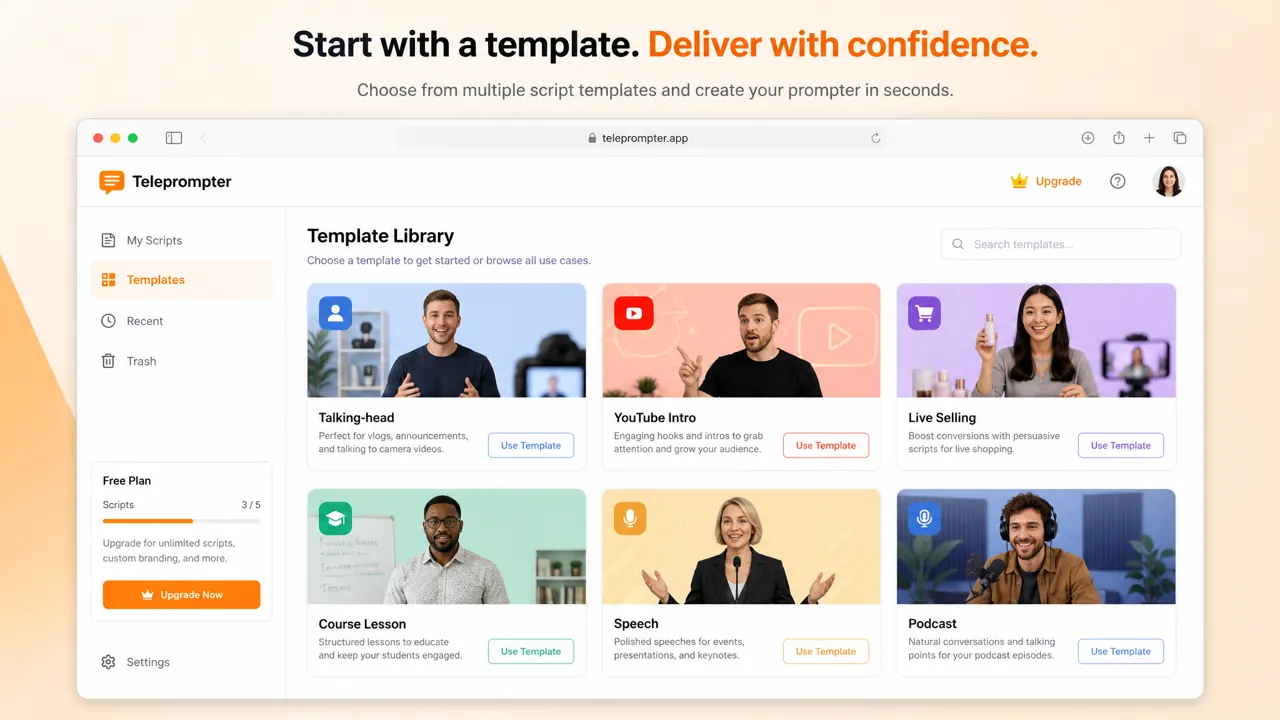
Start from talking-head, YouTube intro, course, speech, or podcast templates—ready teleprompter script samples instead of a blank page.
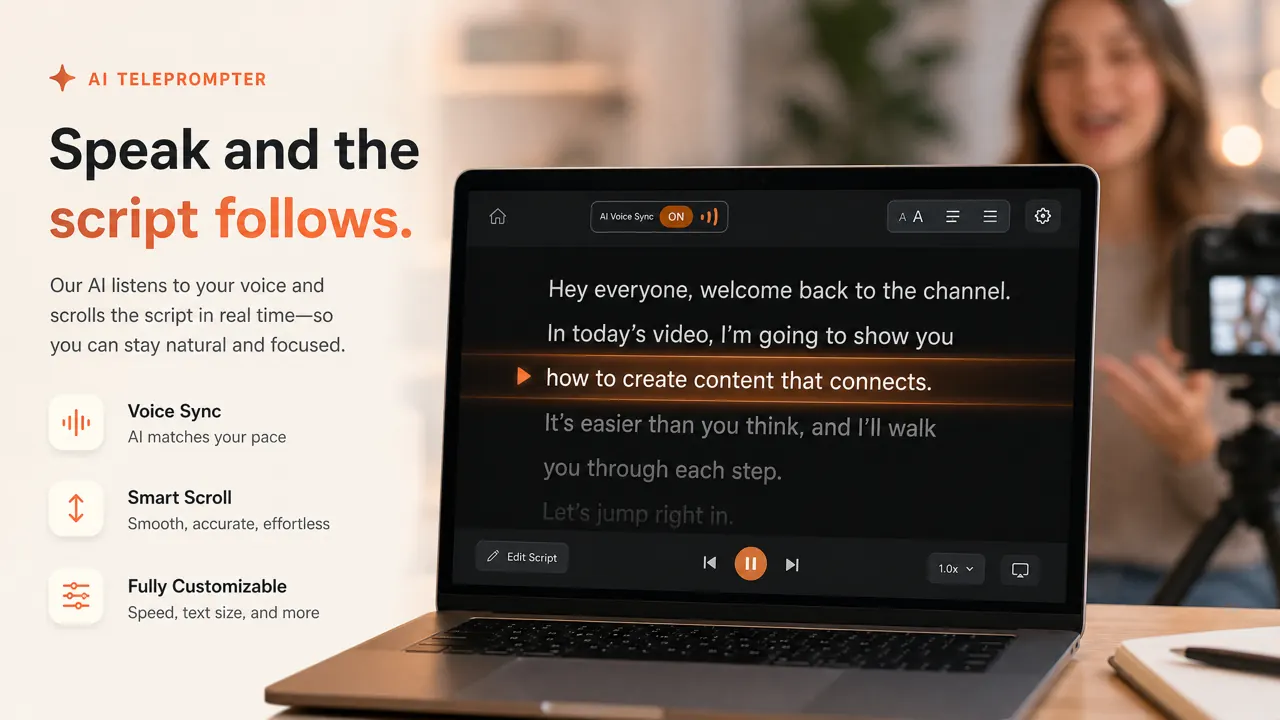
On the CuePrompter Android app, speech-follow can keep the script with you as you talk. Web prompting today uses adjustable scroll speed. iPhone is coming soon.
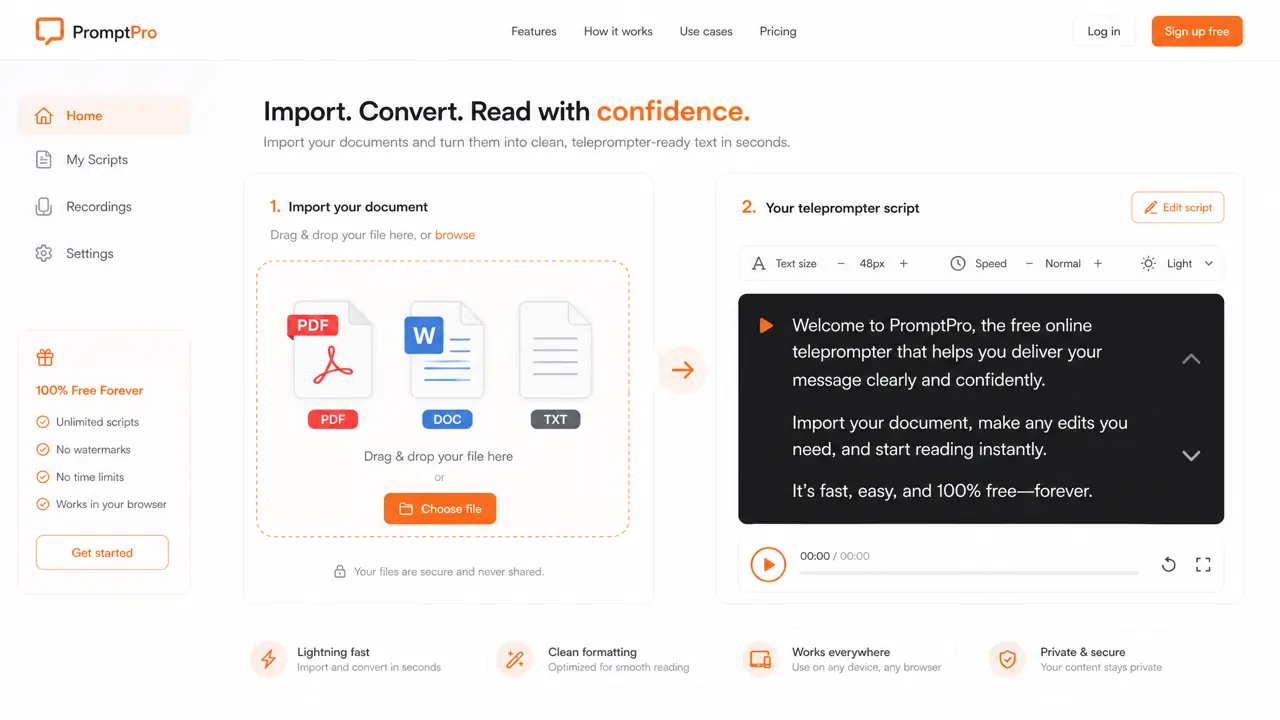
Bring existing documents into CuePrompter and turn them into clean teleprompter text you can read right away.
Dense copy becomes a clear script reader with comfortable line breaks and a readable text scroller layout.
Paste your script and open the free online teleprompter. Core reading and recording stay free.
Start the free teleprompter